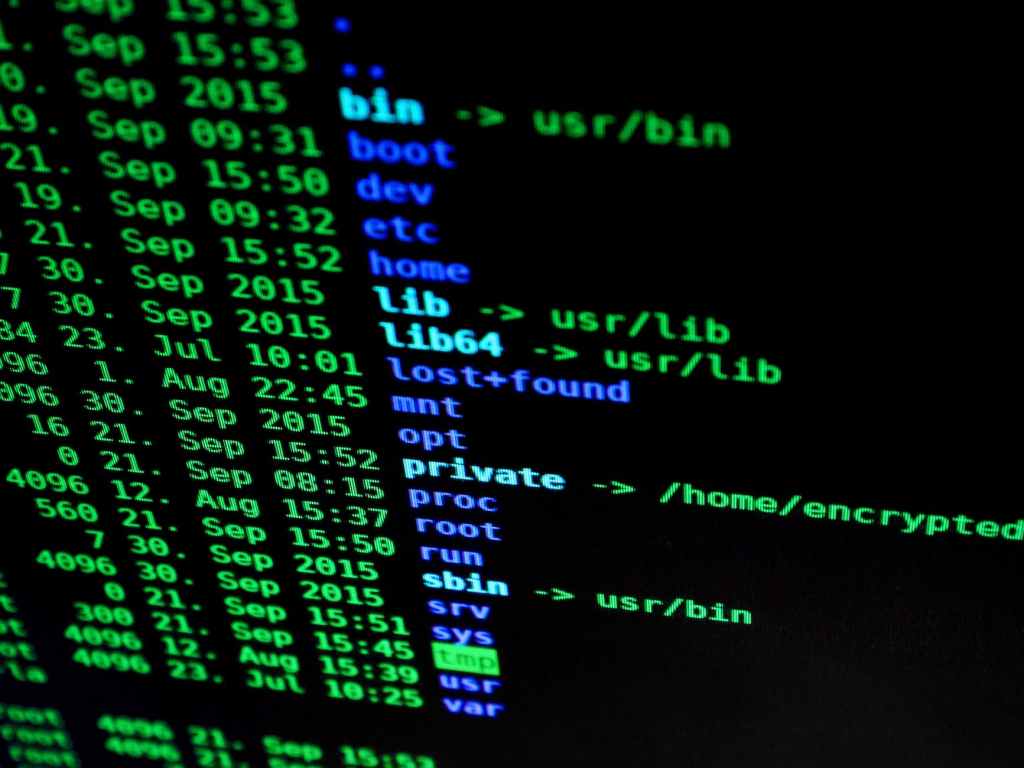
In a world where our smartphones have become extensions of ourselves, the notion of unlocking their true potential has never been more exciting. Enter Termux, a game-changing application that can transform your smartphone into a versatile tool for all your computing needs. In this tutorial, we’ll walk you through the basics of using Termux to enhance your daily life, whether you’re a coding enthusiast, a productivity junkie, or just someone curious about tech’s hidden gems.
What is Termux?
Termux is a Linux terminal emulator that allows you to run a full Linux distribution on your Android device. It’s like having a miniature computer in your pocket, complete with a command-line interface that grants you access to a wide range of powerful tools and utilities. From programming and hacking to web development and system administration, Termux offers an array of possibilities.
Getting Started
Before you dive in, head to the Google Play Store and download the Termux app. Once installed, open the app and you’ll be greeted with a terminal interface.
Basic Commands
Let’s start with the basics. Here are a few essential commands to familiarize yourself with:
- pkg update: Updates the package list and upgrades installed packages.
- pkg install [package-name]: Installs a specific package.
- ls: Lists the contents of the current directory.
- cd [directory-name]: Changes the current directory.
- mkdir [directory-name]: Creates a new directory.
- rm [file-name]: Deletes a file.
Boosting Productivity
Termux isn’t just for tech-savvy users; it can significantly enhance your productivity as well. Here’s how:
Text Editing
Termux offers text editors like nano and vim. Use them to edit documents, code, or even jot down notes on-the-go.
Task Automation
Combine Termux with Tasker, an automation app, to create custom scripts that perform tasks automatically. For instance, you could schedule backups, toggle settings, or even post to social media at specific times.
Exploring Programming
If you’re into programming, Termux can be your playground. You can develop, test, and even deploy code right from your smartphone.
Python and Node.js
Termux supports programming languages like Python and Node.js. Install them using package managers and begin coding immediately.
Version Control
Use Git to manage your code repositories directly from your device. Collaborate with teammates, commit changes, and stay on top of your projects.
Networking and Security
Termux also boasts impressive networking and security capabilities. Safely explore network configurations and test your system’s defenses.
Networking Tools
Termux provides a range of networking tools like ping, traceroute, and netcat. These tools can help you troubleshoot network issues or understand how data flows.
Ethical Hacking
Interested in cybersecurity? With Termux, you can practice ethical hacking on your own devices. Learn about penetration testing, vulnerability assessment, and more.
Limitless Exploration
The true beauty of Termux lies in its expansiveness. Don’t limit yourself to the aforementioned applications; there’s a universe of possibilities to explore.
Package Management
Termux’s package manager (pkg) gives you access to thousands of pre-built packages. From programming languages to system utilities, you’ll find a tool for every task
Customization
Termux allows you to customize your environment with themes, fonts, and plugins. Tailor the app to suit your preferences and make it uniquely yours.
Conclusion
Termux is a gateway to a new level of smartphone functionality. Whether you’re an aspiring programmer, a curious tinkerer, or a tech enthusiast, this Linux terminal emulator can empower you in countless ways. From boosting productivity to learning new skills, Termux is a Swiss Army knife that belongs in every Android user’s arsenal. So, grab your smartphone and embark on a journey of discovery with Termux today!
 TECH INSIGHTS
Leave a comment